Choose one game, let your child make the first move, and leave room to try a different idea. For a first visit to Wondermaths, Aro’s cloud-path adventure is one place to begin.
You do not need to explore every world or finish a whole set. Open the game together, see what catches your child’s attention, and decide whether to keep playing or move to a related tablet page. Printing is optional.
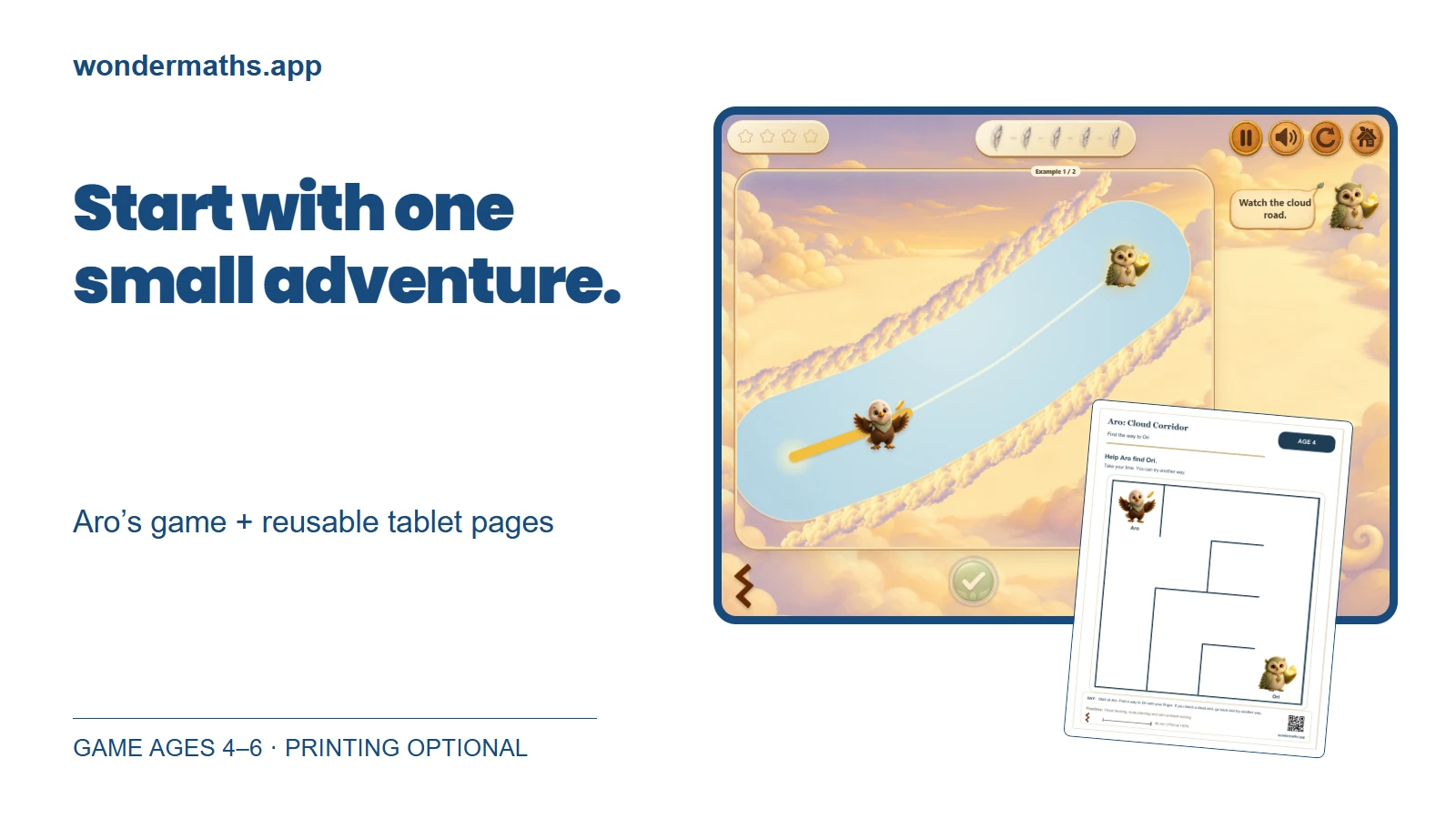
Let Aro’s path be the first invitation
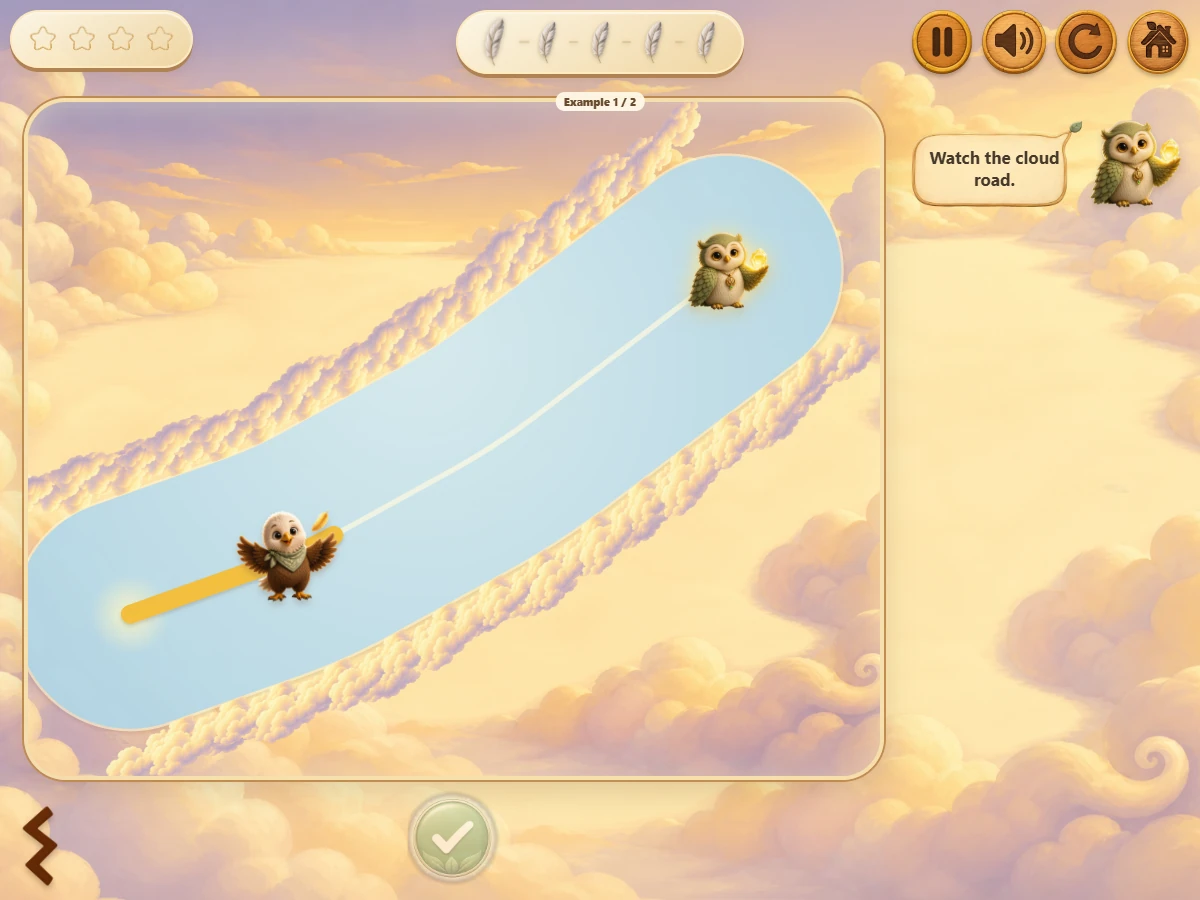
In Aro: Cloud Corridor, the task is to draw a path to Ori. The game is intended for ages 4–6; the related activity pages offer their own starting levels. Choose a page for the child in front of you, rather than treating an age label as a test they must pass.
Start by looking together. Where is Aro? Where is Ori? Give your child a moment to notice the route before offering an explanation. A finger pointing at the screen is an answer, too. There is no need to ask for a speech about their thinking.
If your child wants to watch first, you can take one turn and then offer the next. If they want to begin right away, let them. The first visit can be a short look around; it does not need to become a lesson.
Stay curious when the first idea changes
A useful thing to notice is what your child does next: following a route with a finger, stopping at a turn, or choosing another way. You can leave a little space before stepping in. If help is welcome, try, “Where would you like to go next?”
These are observations about this moment of play, not a score or a diagnosis. A child may want more help today and less tomorrow. If the activity feels frustrating, take a turn together, try a gentler page, or stop. Finishing is not the price of enjoying the visit.
The game and its pages share Aro’s world, but they are not identical tasks. Moving between them is an invitation to explore the same theme in another form, not a promise that one activity automatically teaches every skill in the next.
Open a page. Make a mark. Try another way
From Aro’s set, open a related tablet activity and choose a suitable level. Your child can draw directly on the page with a finger or stylus. If a line is not where they wanted it, the drawing tools let them undo it or erase and try again.
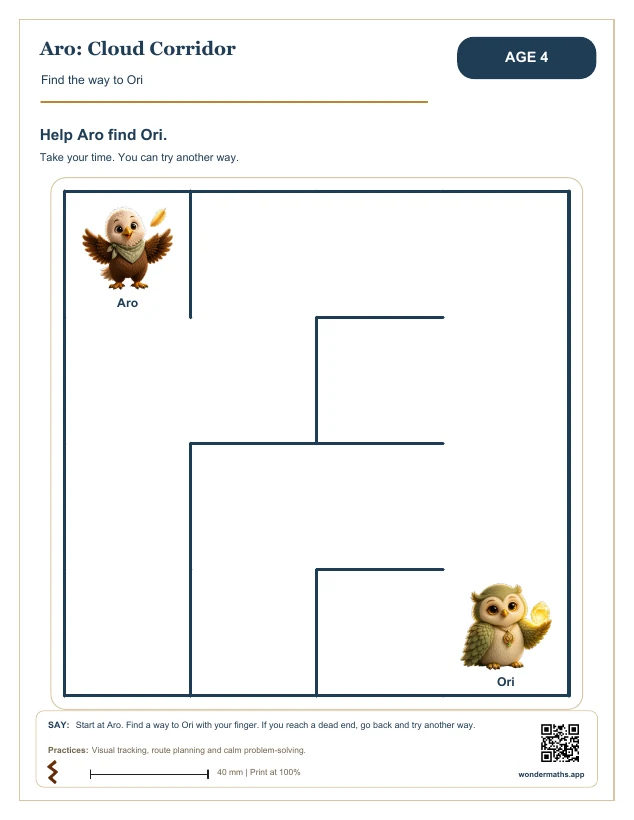
You can stay with the game, stay with the page, or explore both. There is no required order and no printer to prepare for the tablet activity. If your family prefers paper, the set also offers PDF downloads.
Know what opens freely
Games and children’s tablet activities are free to open. Full PDF sets and parent e-books are free with an adult’s email address. Newsletter signup is a separate choice; requesting a download does not subscribe you to marketing emails.
For more ideas, visit the learning paths or explore everyday play away from the screen. When you need help with a particular game, the parent notes offer a starting point.
Your first visit can end with one thing your child chose to try. The rest of the world will be there another day.